Running multiple Claude Code sessions in parallel (or any CLI agent setup) means you need a way to manage several terminals at once. There are a bunch of options out there, but these four: tmux, Zellij, cmux, and Superset, kept coming up in dev community discussions and Twitter threads.
My take: I’m currently on cmux. It was the fastest to get productive with, and the built-in browser pane is genuinely useful. Superset I bounced off quickly because of the conceptual overhead. Zellij is where I’m headed next. It feels like tmux without the memorization tax, and the default layouts are solid.
tmux is the standard. Persistent sessions that survive disconnects, deep scripting support, huge ecosystem. The learning curve is steep, but nothing else matches its flexibility.
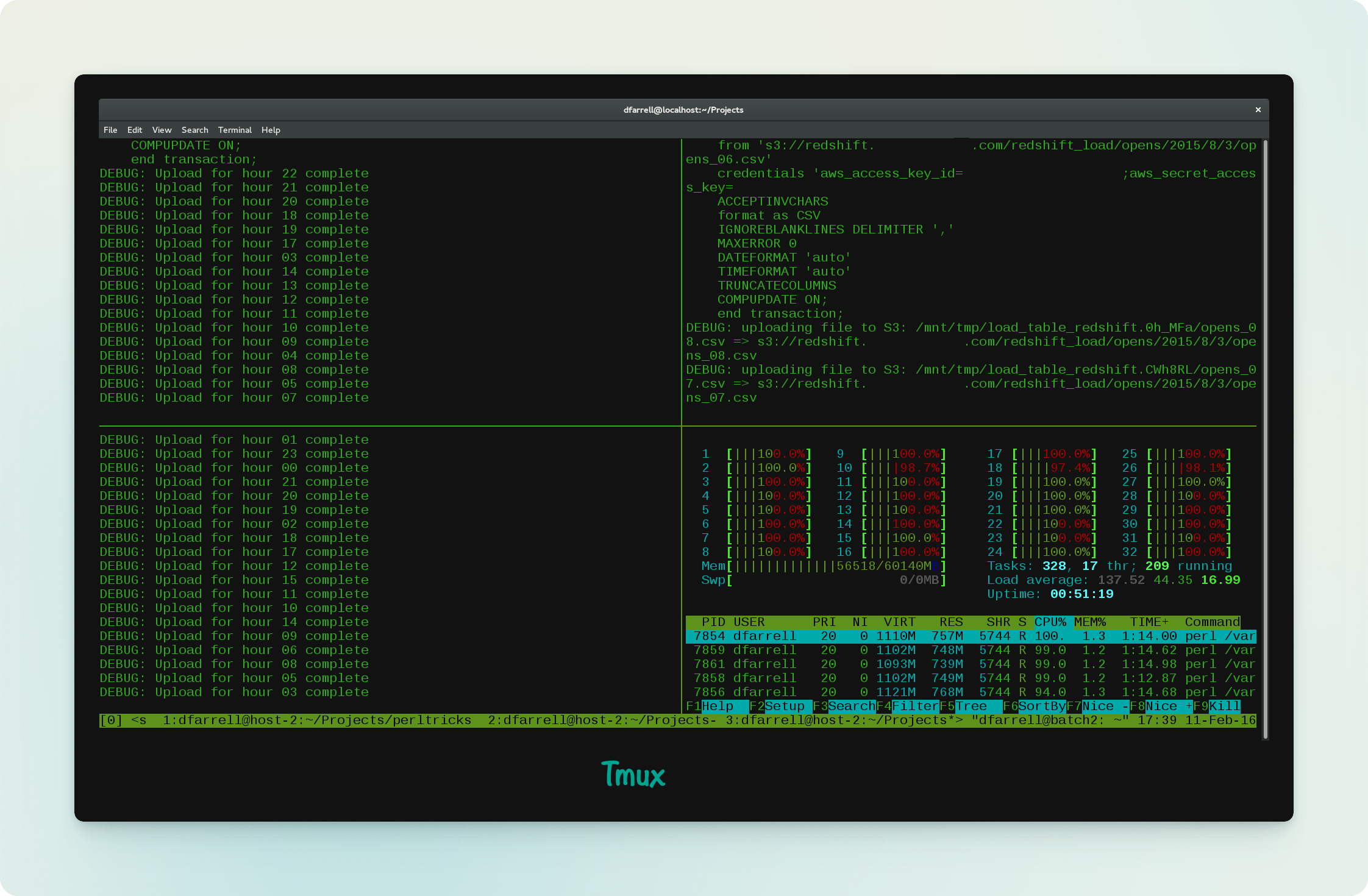 Image via perl.com
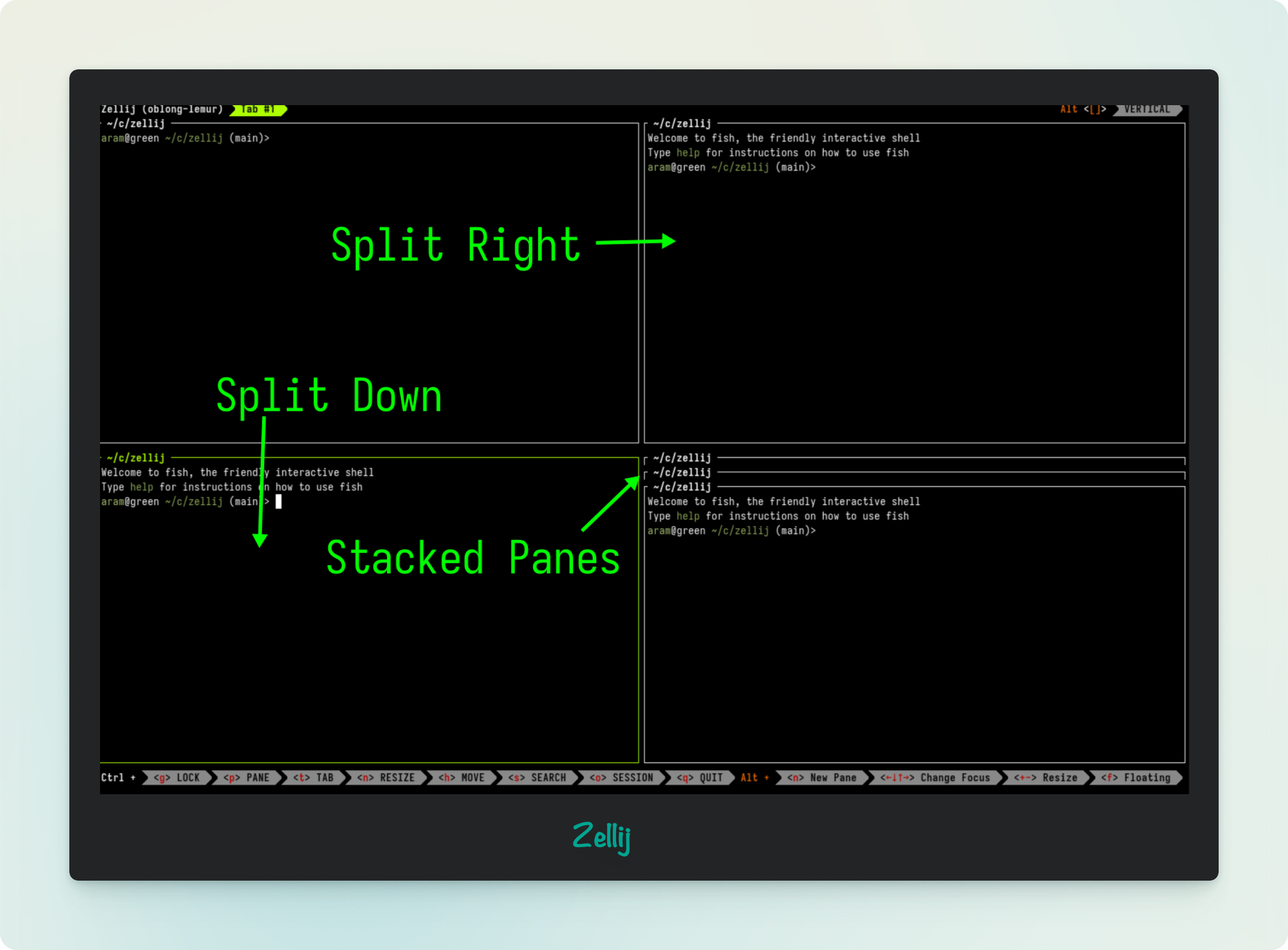
Zellij is a modern alternative. Keybinding hints stay visible on screen, layouts work out of the box, and it has a WebAssembly plugin system for extensibility. Lower barrier to entry than tmux.
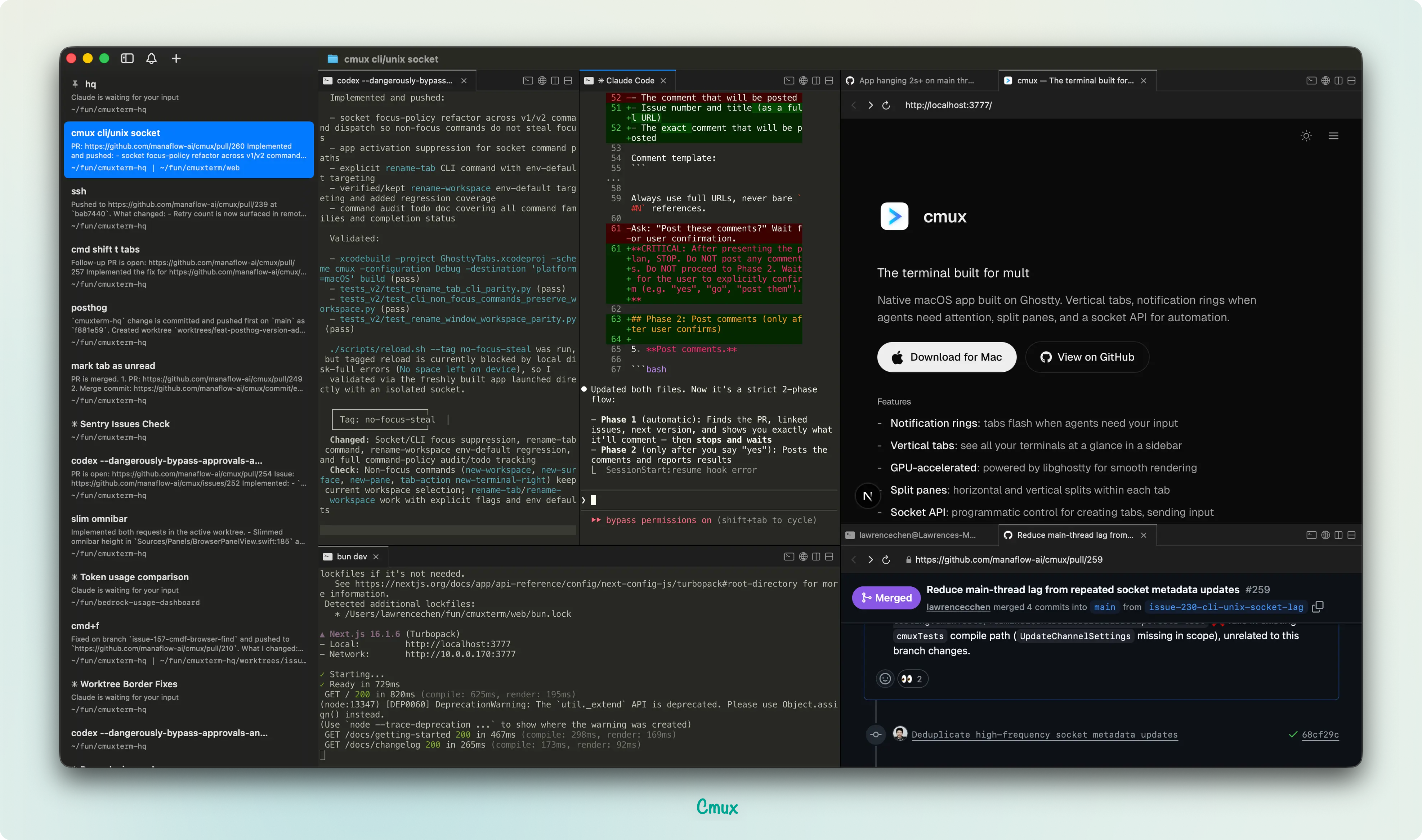
cmux is a macOS-native app built specifically for AI agent workflows. It has a built-in browser pane, so your agents can open a browser window right inside the terminal. Easiest to get started with if you’re on a Mac.
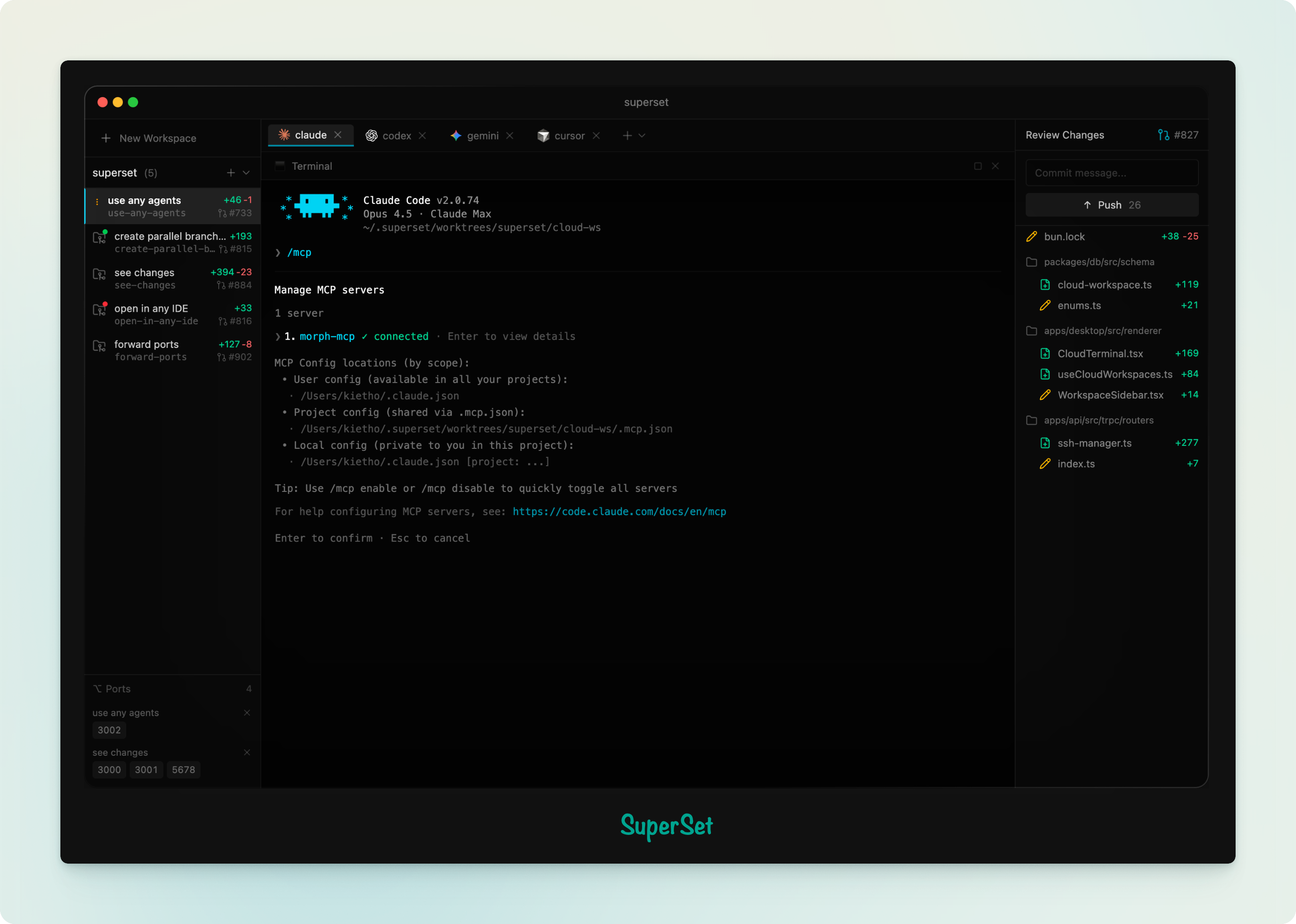
Superset takes a different approach. It uses git worktrees to give each agent an isolated copy of your repo, preventing merge conflicts when agents work in parallel. Powerful concept, but the UX has a few too many abstractions (workspace vs session vs project) to feel intuitive yet.